Your server dies.
Your site doesn't.
Lifeline keeps a fresh copy of your website at Cloudflare's edge and serves it the second your origin fails. Visitors never see an error page. Then it steps aside when you're back.
No card · No migration · Your site stays where it is
Visitors reach your origin through Cloudflare. Lifeline checks it every 60 seconds and stays out of the path.
- ≈80s
- from the first failed check to visitors seeing the snapshot
- 0 ms
- added to your site while it is healthy; the Worker stays unrouted
- 60s
- between uptime checks, with a re-check to rule out blips
- 47
- audit checks on every crawl, alerted only when something newly breaks
Works withWordPressWebflowShopify storefrontsHostingerVercelNetlifyRailwayany origin behind Cloudflare
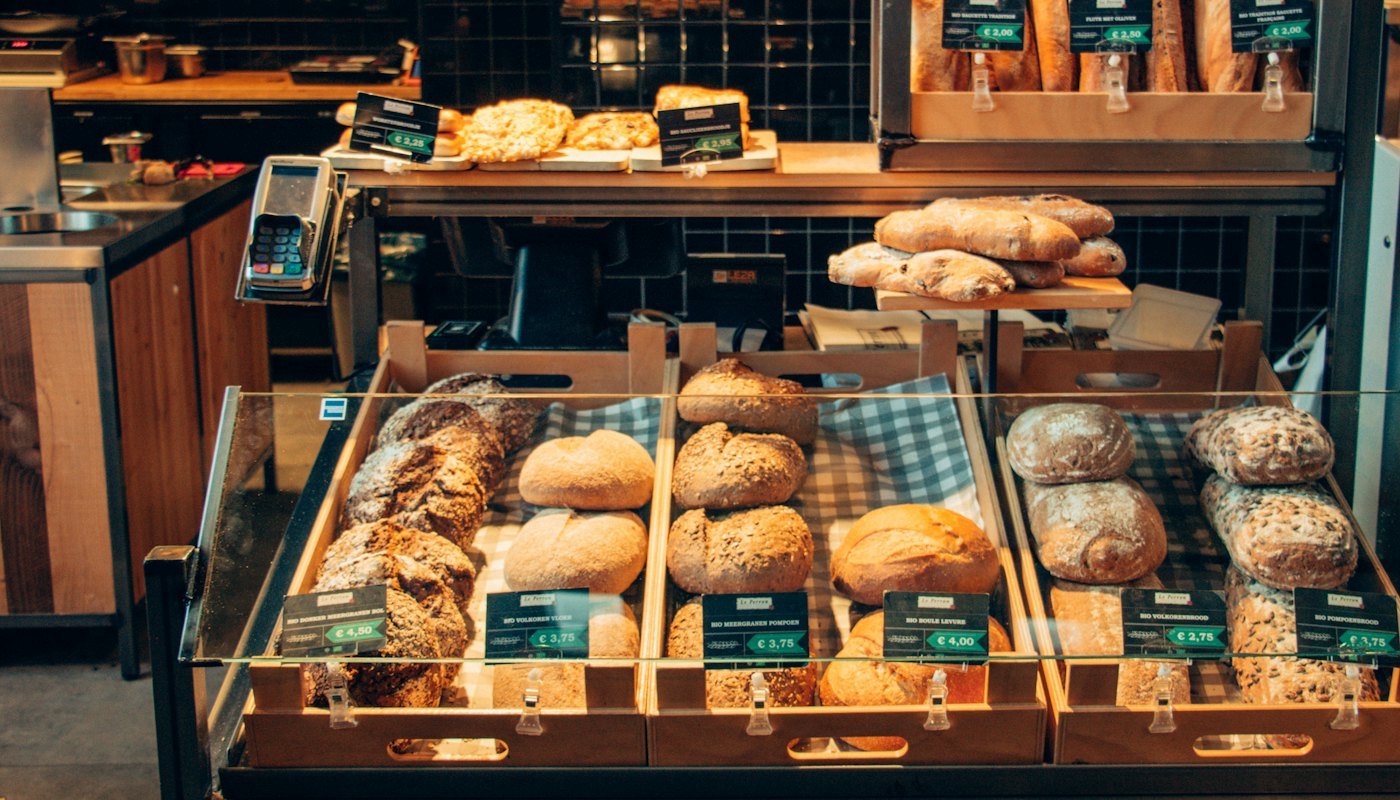
Baked before sunrise.
This week

Country sourdough
$9

Butter croissant
$4.50

Brown butter cookies
$3

Flat white
$4
- Origin
- Healthy
- Visitors see
- Live site
- Fallback route
- Armed, not routed
- Snapshot 84 pages, 311 assets saved
- Step 1
Point it at your zone
Add your domain and a Cloudflare API token that can only touch that one zone. Nothing moves; your site stays on its host.
- Step 2
It keeps a fresh copy
Every page, image, stylesheet and font, refreshed every 6 to 24 hours. A crawl that finds a half-broken site is rejected, so the last good copy stays live.
- Step 3
Outage? Fallback in seconds
Checked every 60 seconds. Two failures in a row and the snapshot goes live at Cloudflare's edge; three clean checks and it steps aside.
Automatic failover
Checked every 60 seconds. Two failures in a row and the fallback goes live; three clean checks and it steps aside. You get an email at every step.
- 03:12:07Origin unreachable (timeout)
- 03:12:22Confirmed by second check · alert sent
- 03:12:24Fallback route attached · snapshot serving
- 03:41:50Origin healthy · 3 clean checks
- 03:41:51Route removed · live traffic restored
29 minutes of downtime · 0 minutes visible to visitors
Zero overhead
The Worker sits in your Cloudflare account, unrouted. Healthy sites never touch it.
0ms
Uptime, every minute
Response time on every check, a timeline of every incident.
Alerts you'll actually read
Down, serving, recovered. Email and webhooks, only when something changes.
harborbakery.com is down
Timed out, confirmed by 2 checks. Visitors are being served the snapshot.
47 checks on every crawl
Broken links, SEO, accessibility, forms, JavaScript errors. Alerted only when something newly breaks.
- Broken internal link/menu/brunch
- Uncaught JavaScript error/order
- Image missing alt text7 images
- Page missing from sitemap/press
Links
04- Broken internal link
- Broken external link
- Link goes nowhere
- Internal link uses http://
Content
06- Missing image
- Missing stylesheet or script
- Mixed content
- Possible spelling or grammar mistake
- Placeholder text left in page
- + 1 more
SEO
11- Missing <title>
- Title longer than 65 characters
- Duplicate title
- Missing meta description
- Meta description longer than 170 characters
- + 6 more
Accessibility
09- Images without alt text
- Missing lang attribute
- Form fields without a label
- Links with no accessible name
- Buttons with no accessible name
- + 4 more
Forms
05- Form submits over http://
- Form action URL is missing (404)
- Form without a submit button
- Form field without a name
- Email field isn't type="email"
Sitemap & robots
05- No sitemap.xml found
- Sitemap lists a broken URL
- Sitemap lists a redirecting URL
- Pages missing from the sitemap
- No robots.txt
Performance
04- Slow server response
- HTML document over 300 KB
- Image over 500 KB
- Response isn't compressed
JavaScript
03- Uncaught JavaScript error
- Error logged to the console
- Request failed while loading the page
| Cloudflare Always Online | Lifeline | |
|---|---|---|
| Snapshot source | Internet Archive | Its own crawler, on your schedule |
| Refreshed | Every 5–30 days | Every 6–24 hours, or on demand |
| Coverage | Popular pages only | Every page and asset it can reach |
| Triggers on | 520–527 only | Any 5xx, timeouts, connection errors |
| Origin returns 500s | Visitors see errors | Visitors see the snapshot |
| Forms and checkout | Broken silently | Paused with a clear notice |
| Alerts and timeline | — | Email, webhook, incident history |
| Site audit | — | 47 checks per crawl |
- Snapshot source
- Always OnlineInternet ArchiveLifelineIts own crawler, on your schedule
- Refreshed
- Always OnlineEvery 5–30 daysLifelineEvery 6–24 hours, or on demand
- Coverage
- Always OnlinePopular pages onlyLifelineEvery page and asset it can reach
- Triggers on
- Always Online520–527 onlyLifelineAny 5xx, timeouts, connection errors
- Origin returns 500s
- Always OnlineVisitors see errorsLifelineVisitors see the snapshot
- Forms and checkout
- Always OnlineBroken silentlyLifelinePaused with a clear notice
- Alerts and timeline
- Always Online—LifelineEmail, webhook, incident history
- Site audit
- Always Online—Lifeline47 checks per crawl
One zone, nothing else
The Cloudflare token can read one zone, upload Worker scripts and create or delete routes on it. Revoke it any time.
Encrypted at rest
Tokens are encrypted before they touch the database. Snapshot previews render only inside a sandboxed frame.
Independent of us
Snapshots live in their own storage behind snap.lifeline.dev. If Lifeline is down, your fallback still serves.
Never submits your forms
The crawler inspects labels, names, actions and security on every form, and never sends one.
Billed $182.40 a year
- 1 site
- Up to 500 pages per site
- Snapshot every 24 hours
- Automatic failover and alerts
- Weekly reports and public status page
Billed $758.40 a year
- 10 sites
- Up to 1,000 pages per site
- Snapshot every 12 hours
- Automatic failover and alerts
- Weekly reports and public status page
Billed $1,910.40 a year
- 50 sites
- Up to 2,000 pages per site
- Snapshot every 6 hours
- Automatic failover and alerts
- Weekly reports and public status page
What people ask before they connect a zone.
Doesn't Cloudflare Always Online do this?
Partly, and you should turn it on. It serves Internet Archive copies of popular pages, refreshed every few weeks, and only on Cloudflare's own 52x errors. Lifeline crawls every page and asset on your schedule, triggers on any 5xx, timeout or connection error, and shows visitors a complete site with a clear notice on forms and checkout.
Do I need to move my site?
No. Your site stays wherever it is. Lifeline only needs your domain to be proxied through Cloudflare (the free plan is fine) and an API token limited to that one zone.
Does it slow my site down?
No. While your site is healthy Lifeline isn't in the request path at all. The fallback Worker is uploaded to your account but only routed during an outage.
What about my checkout, forms, logged-in pages?
Snapshots cover your public site. During an outage, forms and checkout are paused with a clear message instead of failing silently, and logged-in pages show a “temporarily unavailable” notice.
How fast does it switch?
Checks run every 60s with a 15s re-check to rule out blips. Worst case from the first failed request to visitors seeing the snapshot is about 80 seconds.
What can the token do?
Only three things: read the zone, upload Worker scripts, and create or delete Worker routes on that zone. It's stored encrypted and you can revoke it in Cloudflare at any time.
Will you spam my contact form?
Never. Forms are inspected — labels, names, actions, security — but not submitted.
A few minutes if your domain is already on Cloudflare. Free while we're in beta, no card.
- 01ConnectAdd your domain and a Cloudflare token scoped to that zone.
- 02First crawlEvery page and asset is copied within minutes. You get a report.
- 03ArmedChecks run every minute. If the origin fails, the snapshot takes over.